LINKS — Animated Link (Page 4 of 4)
Animated Link
The Animated Link function adds an animation effect to a link, making it more noticeable and encouraging visitors to click it.
This function can be used if you subscribe to the Premium package. To subscribe, click here.
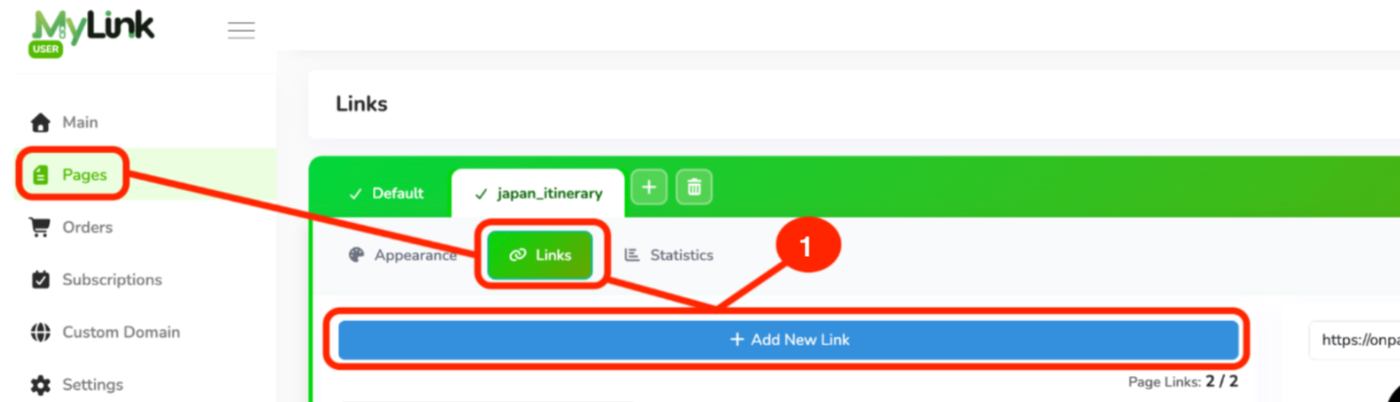
After subscribing to the package, go to the Pages tab, then Links, and click + Add New Link.
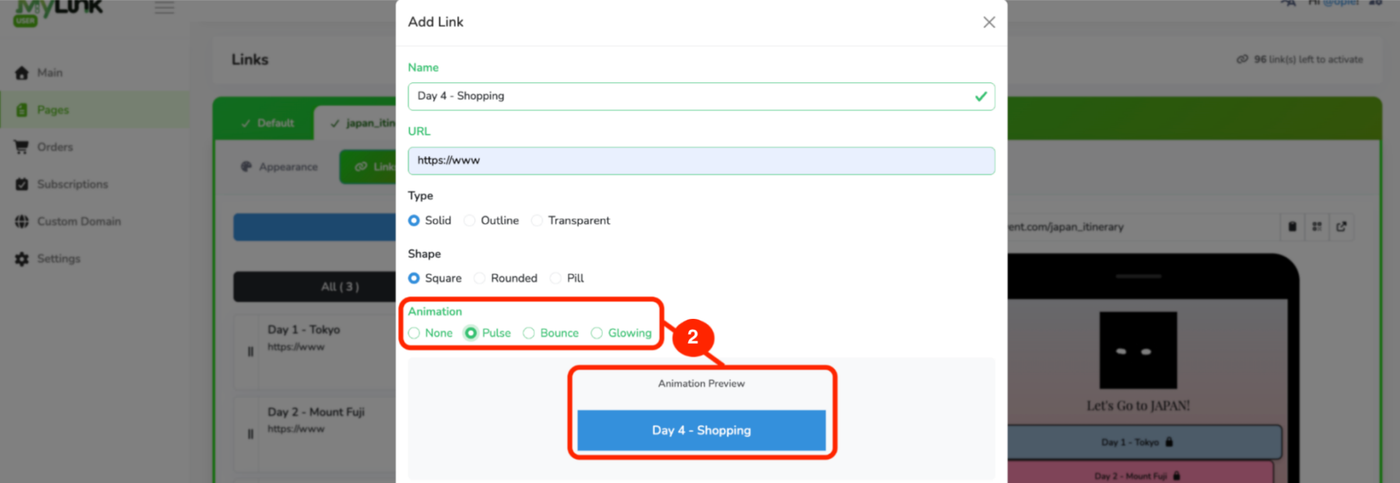
After filling in the link details, go to Animation and select the animation type. You may change the Text Font, Text Color and Background Color if needed, then click Add.
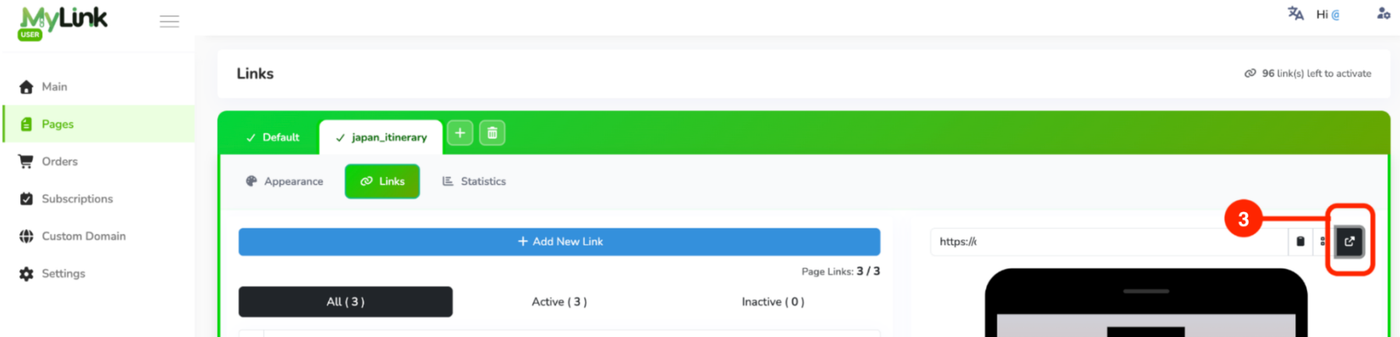
Click the upper arrow button to preview your links.
Page 4 of 4 · Links