PAGES — Locked Page (Page 2 of 2)
Locked Page
Restrict access to selected pages so only visitors with permission can view them.
Requires: Premium package. To subscribe, click here.
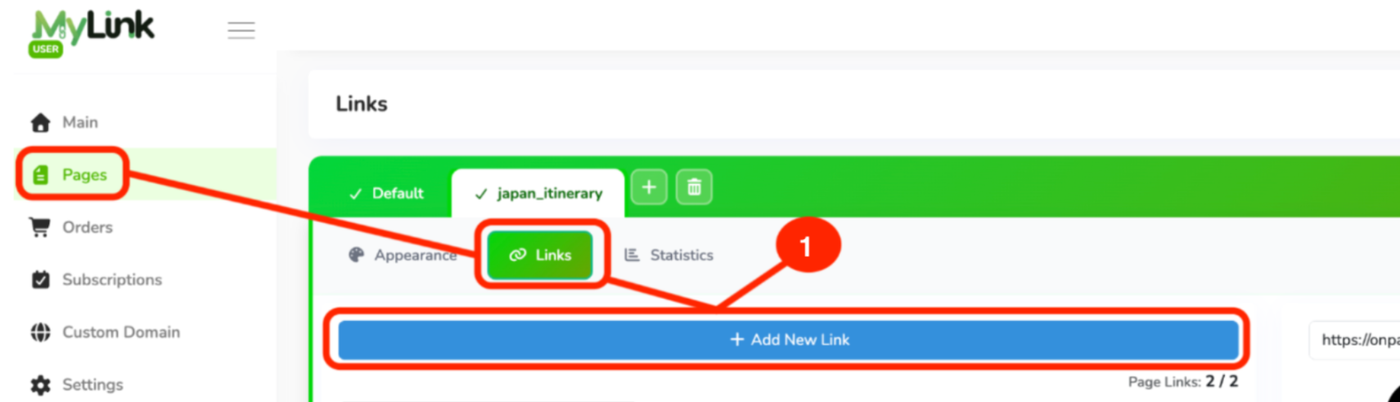
After subscribing to the Premium Package, select the page you want to lock.
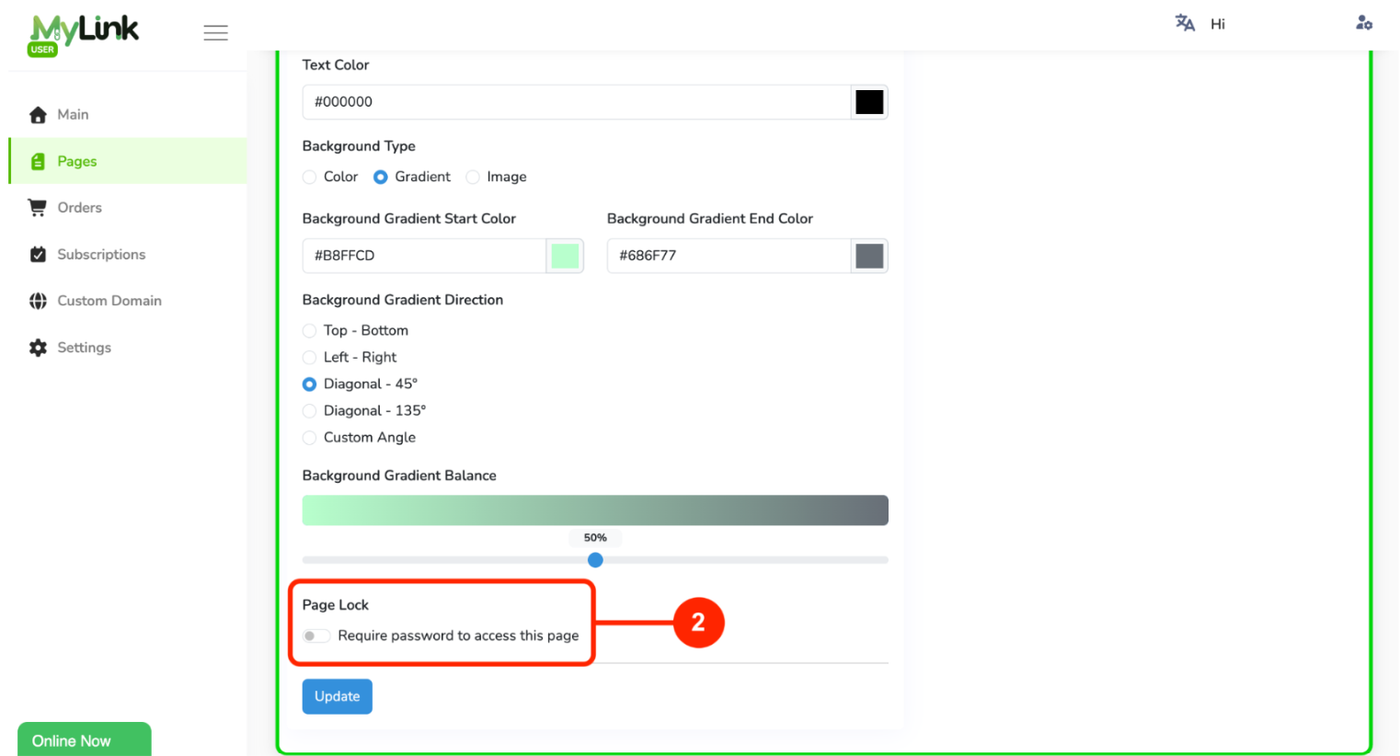
Enable the Page Lock option to protect the page with a password.
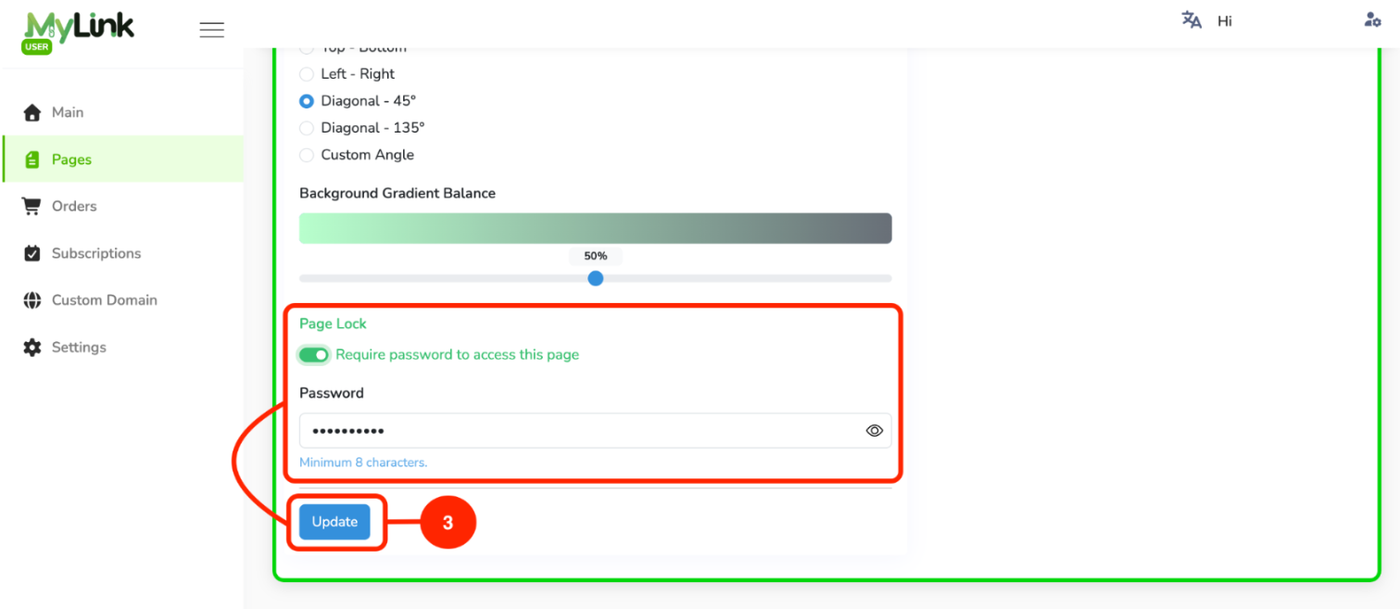
Enter the password that users need to access the page, then click Update to save the changes.
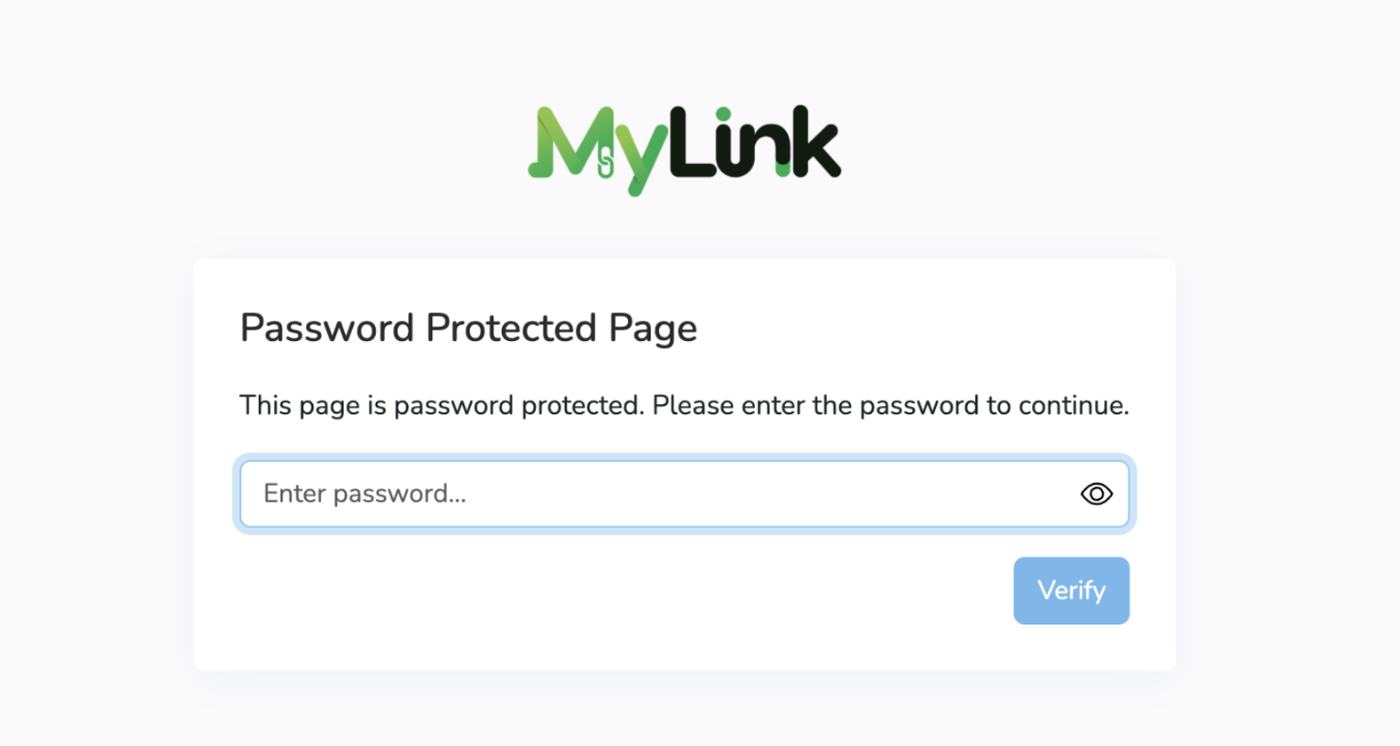
Once Page Lock is enabled, the page will be password-protected. Users must enter the correct password before they can access the page.
Page 2 of 2 · Pages